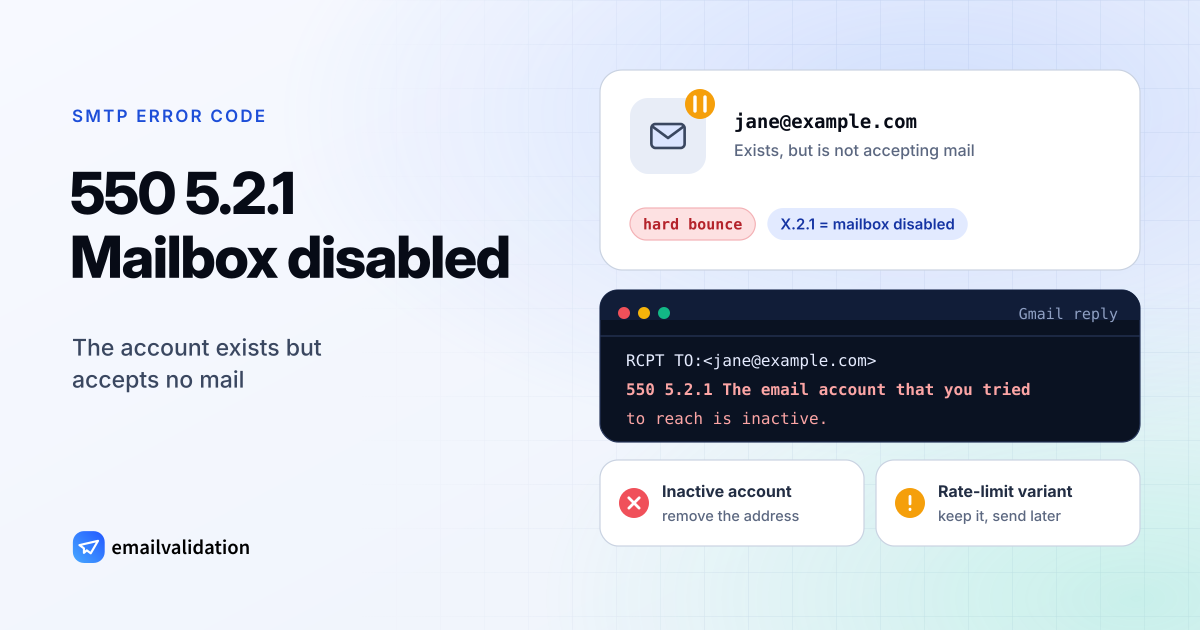
What 550 5.2.1 means
In a 550 5.2.1 reply, 5.2.1 is defined in RFC 3463 as “Mailbox disabled, not accepting messages”: “The mailbox exists, but is not accepting messages.” The RFC adds that this “may be a permanent error if the mailbox will never be re-enabled or a transient error if the mailbox is only temporarily disabled.” With 550 in front, the receiving server says it’s permanent, so your server gives up and bounces the message: a hard bounce in the sense of the hard vs. soft bounce guide.
It belongs to the mailbox family of codes (X.2.X), next to the full-mailbox codes 452 4.2.2 and 552 5.2.2. Unlike 550 5.1.1, which says the address doesn’t exist, 550 5.2.1 confirms that it once did.
Gmail’s two 550 5.2.1 messages
Gmail documents this bounce. Google’s error list has two texts for it, and they call for opposite reactions:
| Reply | What it means and what to do |
|---|---|
550 5.2.1 The email account that you tried to reach is inactive. | The Gmail account is inactive: remove the address. |
550 5.2.1 The user you are trying to contact is receiving email at a rate that prevents additional messages from being delivered. | The recipient gets too much mail right now: keep the address and send less, later. |
Gmail uses the second text with a temporary code as well: 450 4.2.1 reads “receiving email at a rate that prevents additional messages” too, and there your server retries on its own. With 550 it doesn’t, so a message you still want to deliver has to be sent again later.
Microsoft’s NDR reference has no 5.2.1 entry. Its receiving limits come with other codes: 5.2.121 and 5.2.122 for per-hour receive limits, while its 5.2.2 means the sender exceeded a submission quota.
Why a mailbox stops accepting mail
Google doesn’t say what makes an account inactive, and RFC 3463 only says that the mailbox exists but is disabled. The reasons are all on the recipient’s side: an account nobody has used for a long time, a user that an organization suspended instead of deleting, or an account the provider switched off. None of them is something you can fix as a sender, and the bounce doesn’t tell you whether the mailbox will ever come back.
How to fix 550 5.2.1 as the sender
For an inactive account:
- Remove the address from your lists, or let your email service suppress it after the first bounce.
- If the person matters to you, ask for a new address through another channel.
- Look at where the address came from. Many 5.2.1 bounces in one send mean an old list: the email bounce rate guide has benchmarks and clean-up steps, and an email list cleaning service handles large lists.
For the rate-limit text:
- Don’t resend in a loop; that adds to the problem.
- If you send that person automated mail, such as alerts or notifications, bundle them into fewer messages.
- Try again later, by hand or with your next regular send.
If you’re the recipient’s admin
If mail to a user who should still receive it bounces with 5.2.1, check in your admin console whether the account is suspended or disabled. Mail is accepted again once it’s active. For people who have left, forwarding their mail to a colleague for a few months tells senders whom to contact, without a bounce.
Would email verification have prevented it?
Partly. A verification asks the receiving server about the mailbox before you send. If the server refuses a disabled mailbox at that step, the check gets the same refusal, and the address comes back as undeliverable: catch these with the bulk email verifier before a campaign, or with the email checker at sign-up. The rate-limit variant depends on how much mail the person receives at the moment you send, which no check can predict.