What 550 5.1.10 means
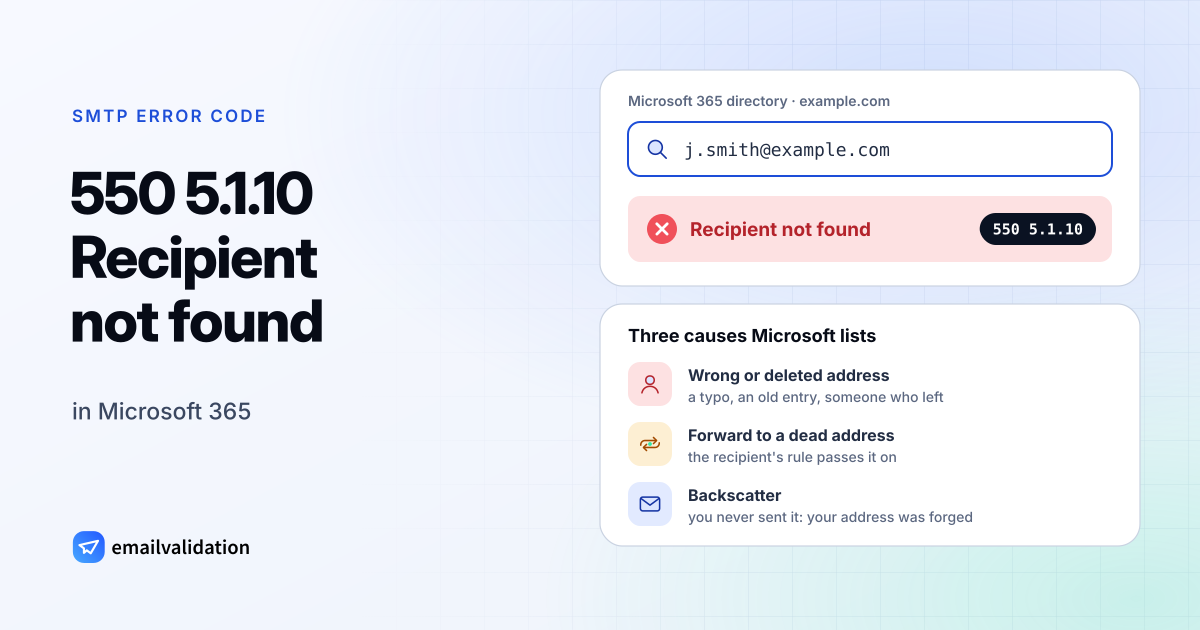
550 5.1.10 is how Microsoft 365 reports that the recipient doesn’t exist. Microsoft’s NDR reference lists it as Recipient not found, and its article on 550 5.1.10 says the recipient’s address doesn’t exist or couldn’t be found.
The code itself means something else in the standard. The IANA registry assigns X.1.10 to “Recipient address has null MX” (RFC 7505), with the basic code 556, for domains that declare they accept no mail at all. Microsoft uses it for an ordinary unknown mailbox.
Microsoft 365 has three ways of saying “no such recipient”:
| Reply | When you see it |
|---|---|
550 5.1.10 Recipient not found | The address isn’t known in the recipient’s Microsoft 365 organization |
550 5.1.1 Bad destination mailbox address | Also an unknown address; see 550 5.1.1 |
550 5.4.1 Recipient address rejected: Access denied | Rejected at the edge by Directory-Based Edge Blocking; see 550 5.4.1 |
For Hotmail and Outlook.com addresses, Microsoft’s NDR reference lists a different text for a recipient that can’t be found: 550 5.5.0 Requested action not taken: mailbox unavailable.
Three reasons Microsoft lists
- The address doesn’t exist. A typo, an old address, or a mailbox deleted when someone left. Outlook’s Auto-Complete list can keep suggesting an outdated entry long after the address stopped working.
- The recipient forwards to a dead address. Your message reached a real mailbox, whose inbox rule or forwarding setting passed it to an address that doesn’t exist. The address in the bounce then differs from the one you wrote to.
- Backscatter. You never sent the message. A spammer put your address in the From field, wrote to a non-existent recipient, and the bounce came to you. Microsoft calls backscatter harmless and the resulting NDRs useless. If you get many, Microsoft suggests an anti-malware scan of your device and asking your admin to set up SPF; the SPF record generator writes the record.
How to fix 550 5.1.10 as the sender
- Compare the addresses. Open the bounce and your copy in Sent Items. Same address: it’s wrong or gone. Different address: the recipient forwards to a broken one, and only they can fix that.
- Remove the stale Auto-Complete entry. In Outlook, delete the suggestion, type the full address by hand and send again.
- Ask for the current address. Do it through another channel if you’re unsure, and remove the old one from your contacts and mailing lists so it doesn’t keep bouncing.
- Ignore true backscatter. No action is needed for bounces of messages you didn’t send.
If you run the Microsoft 365 tenant
Microsoft’s article gives these admin checks:
- Does the recipient exist? In the Microsoft 365 admin center, search Users > Active users and check that the user name matches the address senders use. If it doesn’t exist, create a mailbox or a contact. A mailbox in Exchange Online also needs a license.
- Broken forwarding. Turn off email forwarding on the user, and check Mail flow > Rules in the Exchange admin center for redirect rules that point to bad addresses.
- Accepted domain type. Use Internal Relay only if your hybrid setup routes mail to on-premises servers through a matching connector; otherwise the change can break mail flow.
- Hybrid directory sync. If the user was just created on-premises, force a delta sync on the Microsoft Entra Connect server and check again:
Start-ADSyncSyncCycle -PolicyType Delta
- MX record. Run Check DNS for the domain under Settings > Domains. Keep a single MX record pointing to Microsoft 365; DNS changes can take up to 72 hours to spread.
Would email verification have prevented it?
For the main cause, yes. An email verification asks Microsoft 365 about the recipient before any message is sent; an address that would bounce with 550 5.1.10 comes back as undeliverable. Check one address with the email checker or a whole list with the bulk email verifier, and remove the dead ones before the next send. The guide to Delivery Status Notification (Failure) shows how such bounces look when they do reach you.
Verification can’t help with the other two causes. A recipient’s broken forwarding rule sits behind a valid address, and backscatter comes from messages you never sent.