1. Let the browser do the first check
<input type="email" name="email" required autocomplete="email">
type="email" gives mobile users the right keyboard and blocks obviously broken input before the form is sent. Check input.validity.valid or listen for the invalid event to show your own message.
2. A practical format check
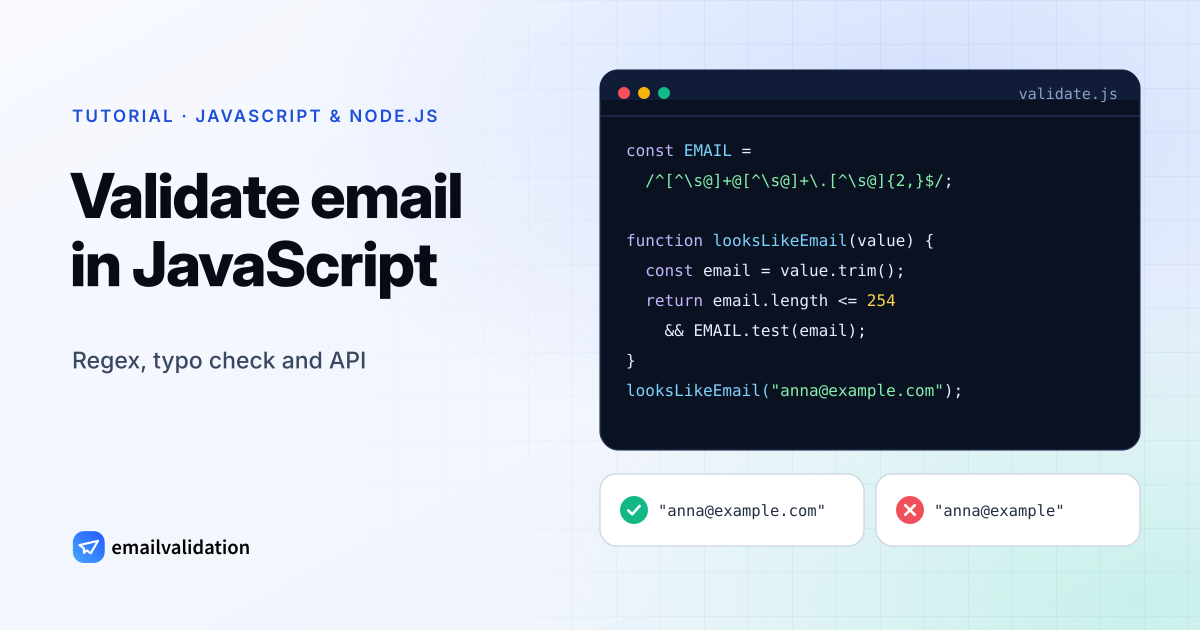
const EMAIL = /^[^\s@]+@[^\s@]+\.[^\s@]{2,}$/;

function looksLikeEmail(value) {
  const email = value.trim();
  return email.length <= 254 && EMAIL.test(email);
}

looksLikeEmail("anna@example.com"); // true
looksLikeEmail("anna@example");     // false
Don’t write a strict home-made regex. Such patterns often reject real customers (o'brien@example.ie, anna+news@example.com) and still accept asdf@asdf.com. Our email syntax checker shows the individual rules if you need them.
3. Catch typos
Most invalid sign-ups are typos in popular domains: gmial.com, hotmial.com, yaho.com. Suggest a correction instead of rejecting:
const DOMAINS = ["gmail.com", "yahoo.com", "hotmail.com", "outlook.com", "icloud.com"];

function suggest(email) {
  const [user, domain] = email.toLowerCase().split("@");
  const close = DOMAINS.find((d) => d !== domain && levenshtein(d, domain) <= 2);
  return close ? `${user}@${close}` : null;
}
(Any small Levenshtein function works; the email validation API also returns a did_you_mean suggestion.)
4. Check that the mailbox exists (Node.js)
Only a check against the recipient’s mail server tells you whether anna@example.com really exists. Do it on your server:
// Node.js 18+ (built-in fetch)
async function validateEmail(email) {
  const url = `https://api.emailvalidation.io/v1/info?email=${encodeURIComponent(email)}`;
  const res = await fetch(url, { headers: { apikey: process.env.EMAILVALIDATION_KEY } });
  if (!res.ok) throw new Error(`Validation failed: ${res.status}`);
  return res.json();
}

const result = await validateEmail("anna@example.com");
if (result.state === "undeliverable") {
  // reject: the address does not exist
} else if (result.disposable) {
  // ask for a permanent address
}
The response contains state (deliverable, undeliverable or unknown), a reason, a score and the flags format_valid, mx_found, smtp_check, catch_all, disposable, role and free.
Recommended flow for sign-up forms
type="email"plus the regex for instant feedback.- Typo suggestion when the field loses focus.
- API check on submit (server side). Block
undeliverableanddisposable, accept the rest. - If the API is slow or down, accept the address: never block sign-ups because of a validation outage.
Try it without code in the email validator.