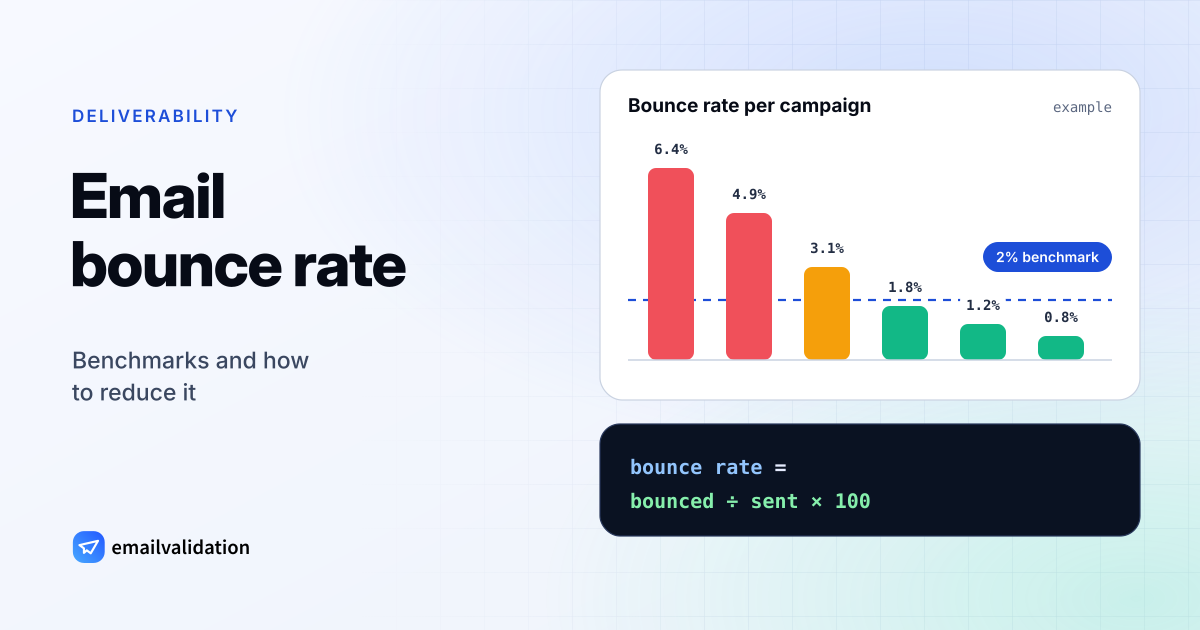
How to calculate your bounce rate
The bounce rate is the share of the emails you sent that came back:
bounce rate = bounced emails ÷ emails sent × 100
Calculate it per campaign and over time, and look at the hard bounce rate on its own: hard bounces are addresses that don’t exist, and they are what email services and mailbox providers react to. Try your own numbers:
Bounce rate calculator
Hard bounce rate
1.20%
Total bounce rate (hard + soft)
1.80%
Below 2%: in the range mailbox providers and email services expect.
What is a good email bounce rate?
There is no official industry number, but email services publish the limits they enforce. Amazon SES is a good reference because it states them clearly (AWS documentation, checked October 9, 2026):
| Hard bounce rate | What it means |
|---|---|
| Below 2% | The range to stay in. Well-kept lists stay under 1%. |
| 2% or more | Clean your list before the next send. |
| 5% or more | Amazon SES puts the account under review. |
| 10% or more | Amazon SES may pause your sending until you fix the cause. |
SES counts only hard bounces for these limits. Other email service providers use similar thresholds without always publishing them, and mailbox providers such as Gmail and Microsoft count mail to unknown addresses against your sender reputation. How reputation, authentication and list quality work together is covered in the email deliverability guide.
Hard bounces, soft bounces and blocks
Not every bounce means the same thing:
- Hard bounces come from addresses or domains that don’t exist (
550 5.1.1). Remove them at once. - Soft bounces are temporary: a full mailbox, a server that is down (
452 4.2.2,421). Remove an address only after repeated soft bounces. - Blocks mean the receiver refused your message (
5.7.xcodes). The address may be fine; your authentication or reputation needs work.
The guide to hard vs. soft bounces explains each type with its codes, and the SMTP error codes reference decodes the message in any bounce.
7 ways to reduce bounces
- Validate at sign-up. Stop typos and fake addresses at the source with a real-time check from the email validation API, or check single addresses with the free email checker.
- Clean old lists before sending. Run them through the email list cleaning service (up to 100,000 addresses per job), or check a few addresses with the free bulk email verifier, and remove undeliverable addresses. The guide to email verification explains what these checks can and can’t detect.
- Use double opt-in for newsletters, so only confirmed addresses get on the list.
- Block disposable addresses that stop working after a few hours (disposable email checker).
- Set up SPF, DKIM and DMARC so your mail is not rejected as unauthenticated. Build the records with the SPF record generator and the DMARC generator, and check them with the SPF, DKIM and DMARC checkers.
- Remove hard bounces automatically and stop sending to soft bounces after repeated failures.
- Re-engage or sunset inactive contacts. Addresses that have not opened in 6–12 months are the next bounces.
When the bounces are in your inbox
If you send from Gmail or Outlook rather than an email service, bounces arrive as messages from “Mail Delivery Subsystem” or “MAILER-DAEMON”, or with the subject “Undeliverable:”. The guide to Mail Delivery Subsystem emails shows how to read them, and how to tell real bounces from backscatter and phishing.